Pictograms for autism
Create visual support for everyday routines, choices and transitions.
Free A4 PDF · No account
Six cards for your morning

Wake up

Brush teeth
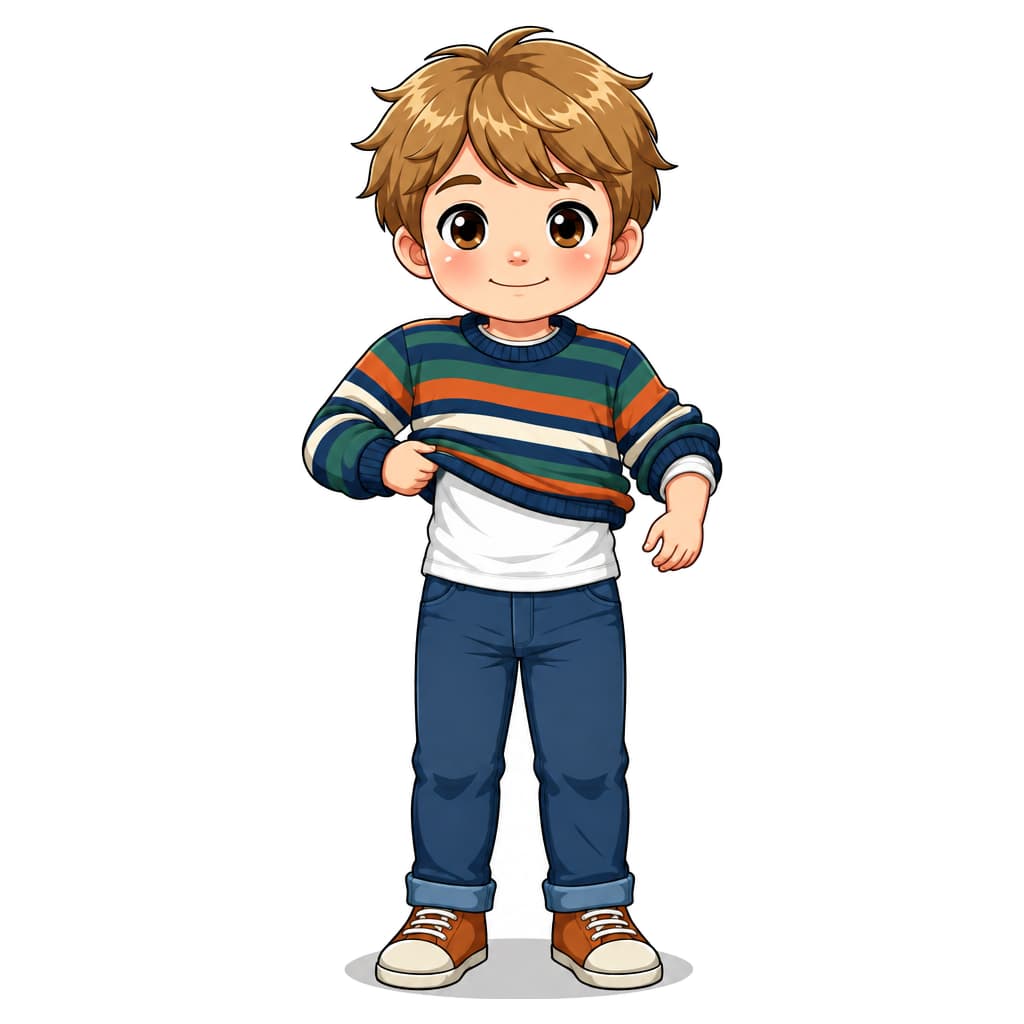
Get dressed

Eat breakfast

Go to school

Wave goodbye
A4 · no account · no payment
With your own character: the starter pack includes two personal pictogram packs of your choice.
See the starter pack →How to use the cards
- Print on A4 at 100% size. Cut out the cards if useful.
- Choose the cards that fit your morning and arrange them in order.
- Look through the pictures together. Adapt them if they do not make sense to your child.
More free routines, one page per task:
- Morning routine for children – free schedule with pictograms
- Bedtime with pictograms
- Getting dressed step by step with pictograms
- Handwashing – six pictograms for the sink
- Ready for school – pictograms for getting out the door
- Weekly plan for children – print a weekly schedule with pictograms
- Now and next – free two-space visual board
- School-day transitions – free visual cards
- Christmas with room for breaks – free visual plan
- After-school routine – free picture cards
Pictograms can show activities and their order. In Pictofy, choose images, edit labels and create materials for home, school or care settings. Start with pictures the person recognises.
Show what happens now and next
Use two cards for a transition or more for a routine. Choose what fits the person's day rather than making the schedule longer than needed.
Find pictures that make sense
Look at the pictures together. A pictogram is not automatically understood; photos or real objects may fit better. Make room for the person's own choices and communication.
Try and adapt together
See whether the material is useful in the situation and adjust the images, order or number. Agree with home, school or support workers how to use it. Support needs vary.
More about visual support: National Autistic Society · Autism Toolbox
How to build a visual schedule
- Pick the situation. Start with one routine that causes friction — the morning, the cloakroom, or the play-to-mealtime transition. One schedule at a time.
- Create the pictograms. Describe each step in plain words (e.g. "brush teeth") and generate the motif in the style that fits the child — and stick with it.
- Print and place. Print at the right physical size (3–8 cm), laminate, and mount the schedule at eye level where the routine happens.
- Use it the same way every time. Point to the step, do it, mark it done. Consistency beats perfect images — and use the same motifs everywhere.
You can also build the schedule digitally in Pictofy's schedule tool and share it — or start from ready-made motifs in the free library.
Use pictograms for
Frequently asked questions
What are pictograms for autism?
Pictograms can show activities and their order. In Pictofy, choose images, edit labels and create materials for home, school or care settings. Start with pictures the person recognises.
How do I make a pictogram with Pictofy?
Describe the image and choose a style. Review the result before using it. You can also choose a pack with several activities.
Are the pictograms free?
You can try the generator without an account and download free printable materials. Personal images and packs may cost credits — the price is shown before you start.
Can the pictograms be printed for school and home use?
Yes. Pictofy generates print-ready PDFs with precise physical sizing (from 3×3 to 8×8 cm) that you can laminate and use in visual schedules.
Which image style should we choose?
Choose images the person recognises. Drawings, photos or real objects may be useful. Look at them together and adapt to the person's understanding and preferences.
How many cards should we start with?
Start with a manageable part of everyday life. Two cards can show now and next; more can show a routine. Adapt the number with the person using them.